
Sprig Learning – Support Portal
  • FAQ
  • Submit a Ticket
  • Contact Us
  1. Home
  2. For Teachers
  3. Teachers on the Assessment App
  4. Assessment Day
  5. How do I login to the literacy assessment app?
Searching...

How do I login to the literacy assessment app?

To login to the assessment app, please follow these steps:

Find and open the app on your iPad.
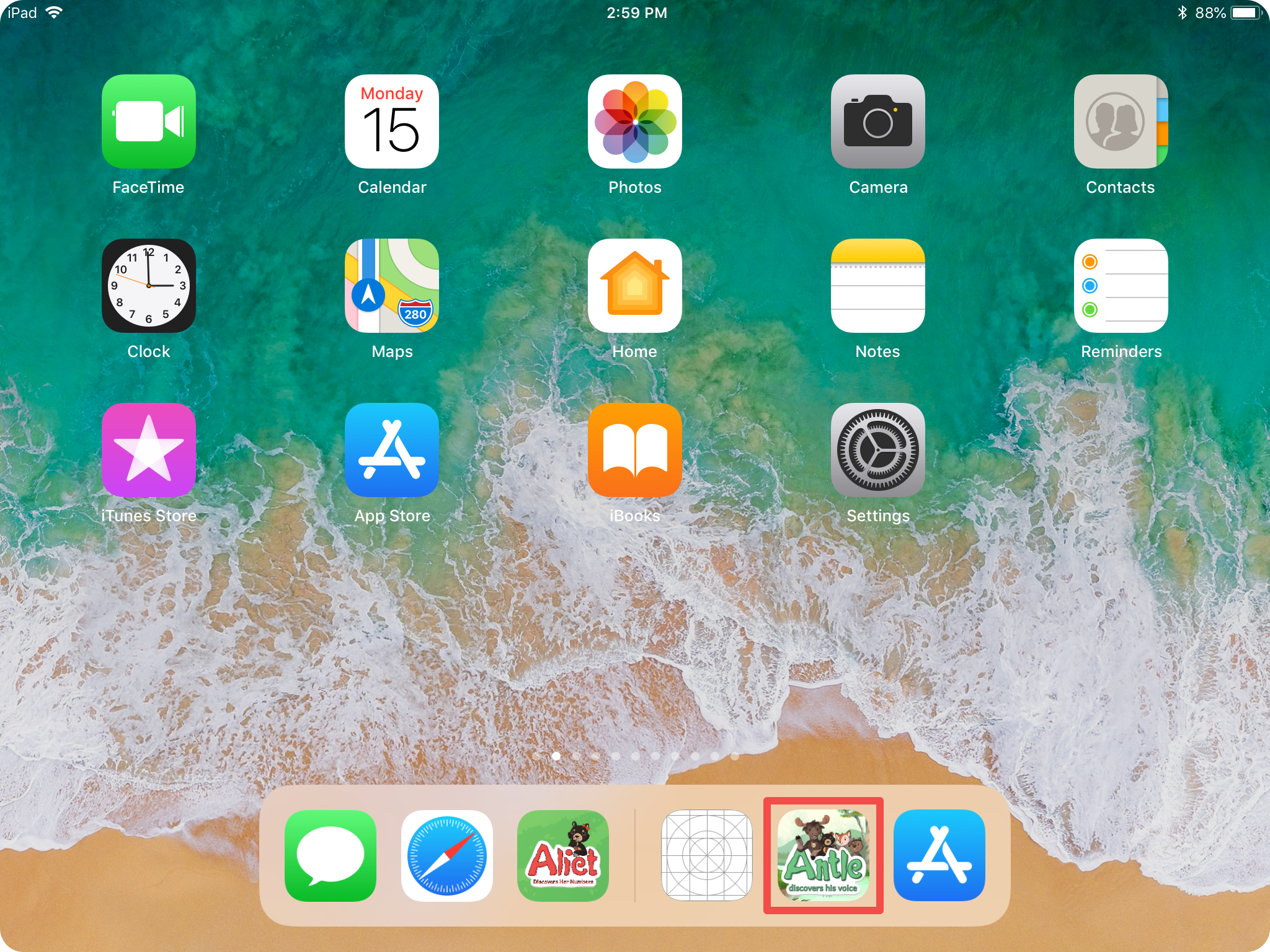
Select ‘Get Started’ in the bottom right corner of the screen.

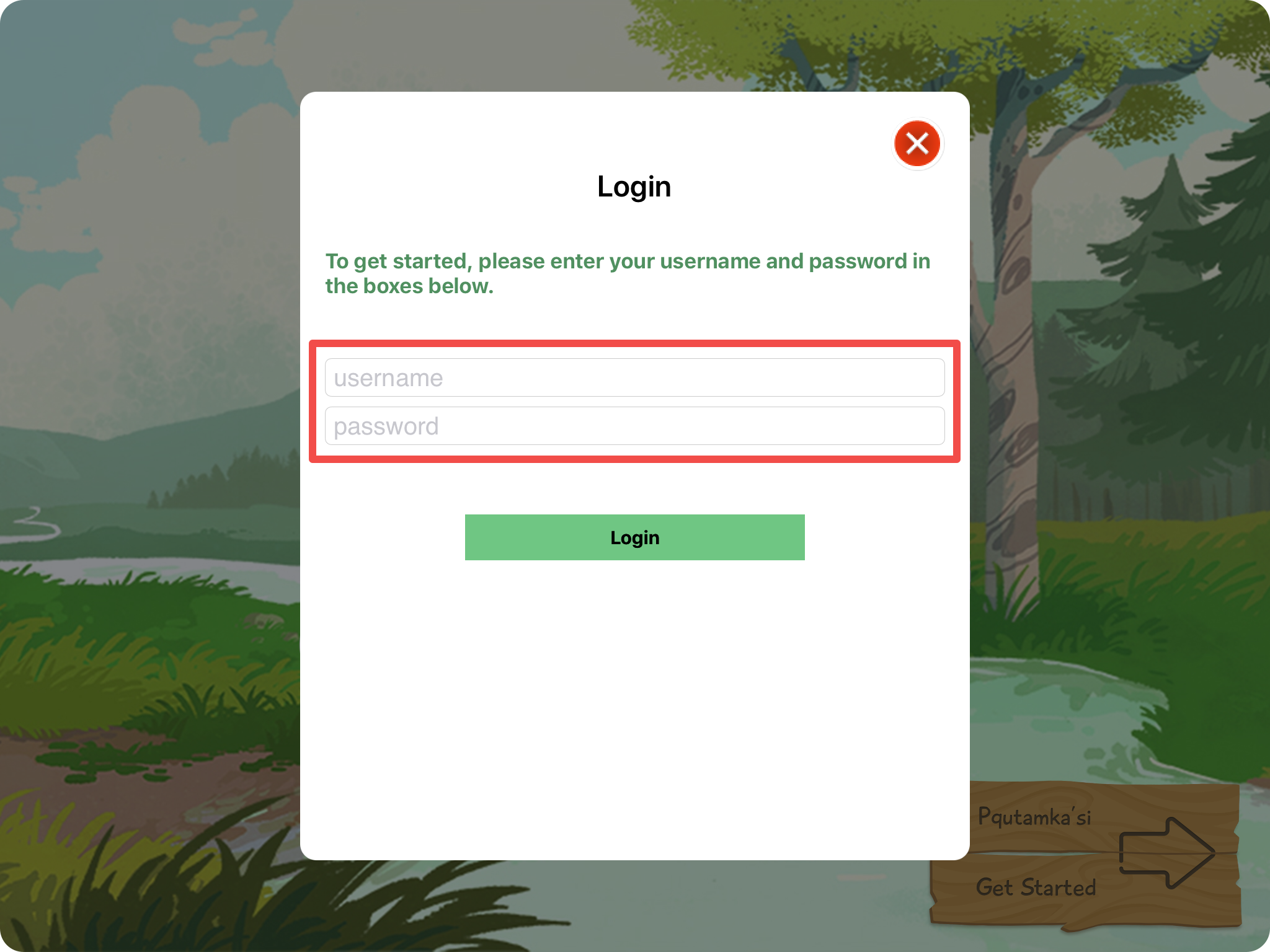
Type in your username and password in their respective boxes. In most cases, your username is your firstname+lastname+01 (i.e janesmith01). You cannot use your email address as your username.
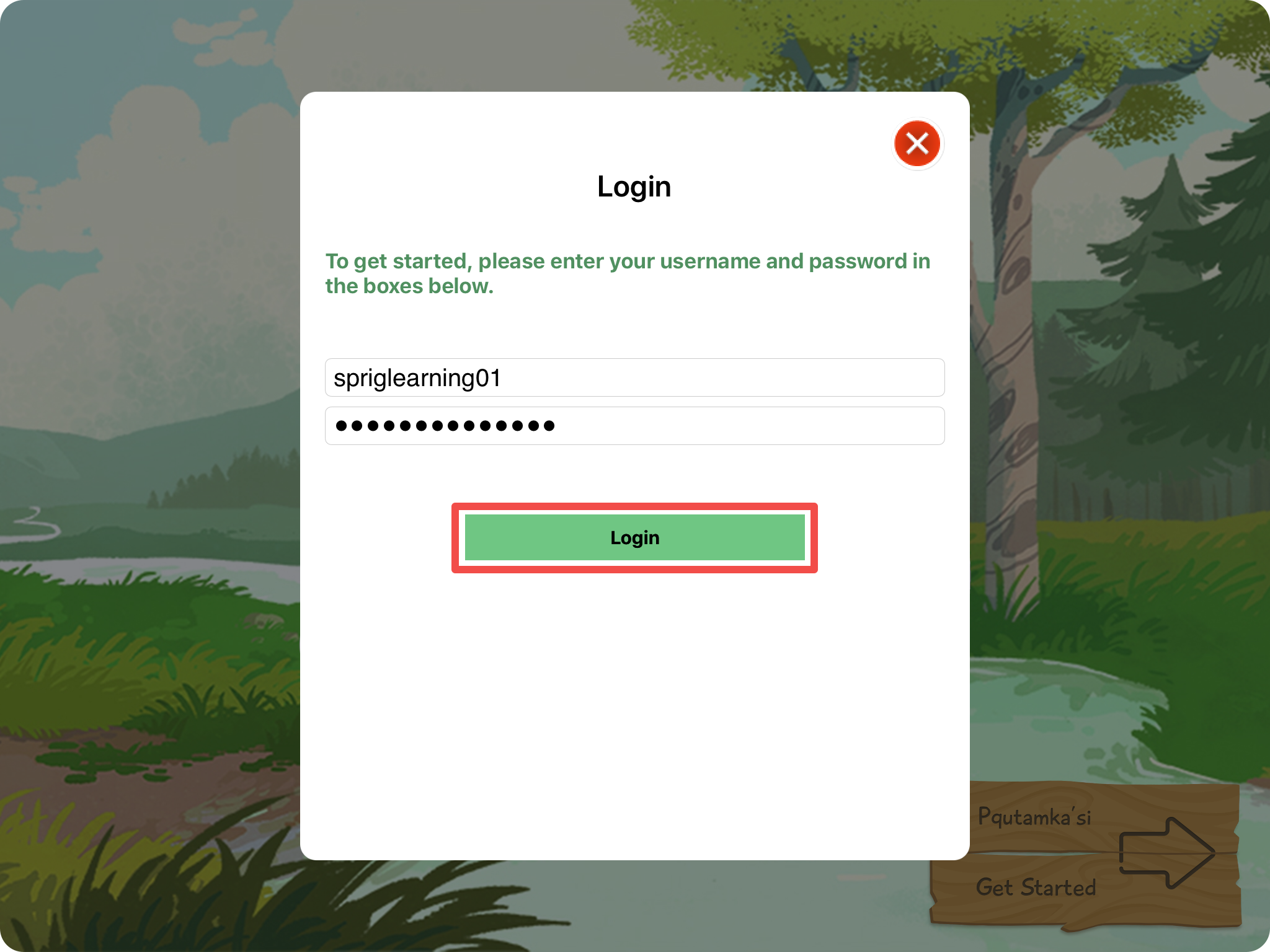
Once you’ve typed in your username and password into their respective boxes, select ‘Login’.
Updated on January 22, 2020
Tagged: Assessment AppFAQLogin

Was this article helpful?

Yes No

Related Articles

  • How do I prepare my students for the three-point assessment scale?
  • How long does each student assessment take?
  • Can I use someone else’s account to complete assessments?
  • Do I have to assess all of my students on the same day?
  • Conducting the Student Assessment
  • How do I know which students have been assessed?
© Copyright Sprig Learning.
  • FAQ
  • Submit a Ticket
  • Contact Us